OPENSRS STOREFRONT

Transfer your domains to OpenSRS Storefront

The domain import feature allows you to import one, some, or all supported domains from your OpenSRS Control Panel to your Storefront in minutes.

OPENSRS STOREFRONT

Transfer your domains to OpenSRS Storefront

The domain import feature allows you to import one, some, or all supported domains from your OpenSRS Control Panel to your Storefront in minutes.

OPENSRS STOREFRONT

Transfer your domains to OpenSRS Storefront

The domain import feature allows you to import one, some, or all supported domains from your OpenSRS Control Panel to your Storefront in minutes.

OPENSRS STOREFRONT

Transfer your domains to OpenSRS Storefront

The domain import feature allows you to import one, some, or all supported domains from your OpenSRS Control Panel to your Storefront in minutes.

Import your domains in 3 easy steps

STEP 1

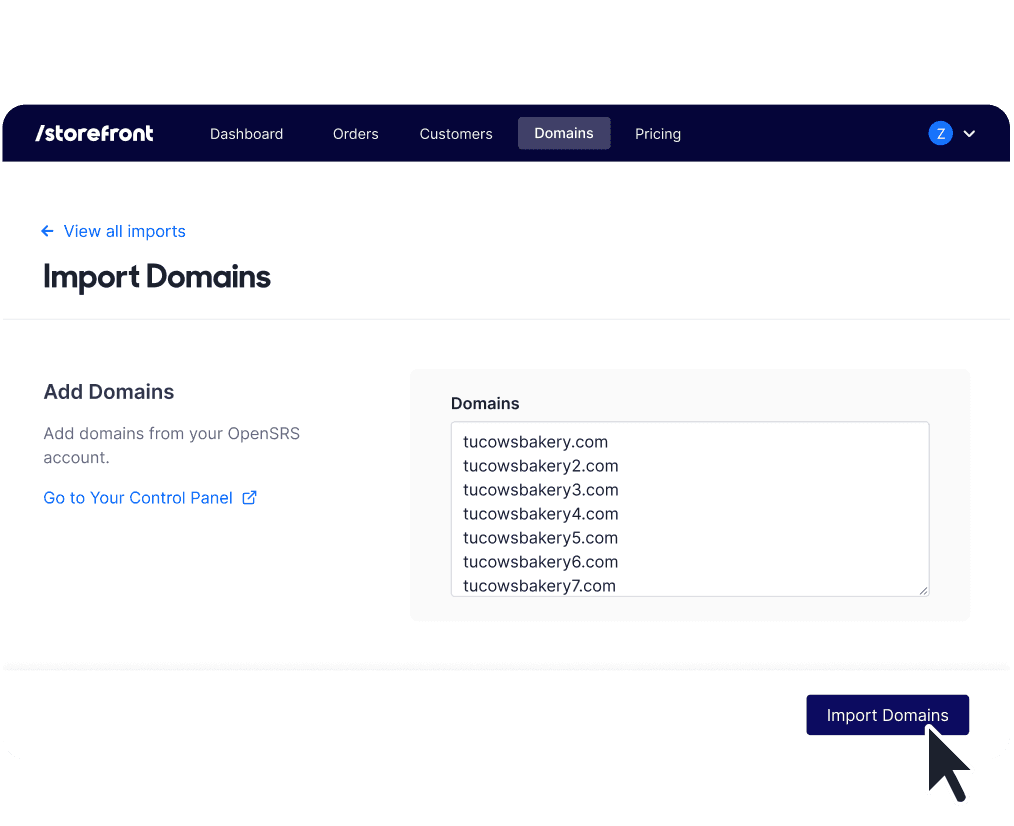
Bulk import your domains 
in minutes

Enter the list of domains you want to import, and we take care of the rest. Within minutes, you’ll be able to view and manage the domains in Storefront, and your customers will also be able to manage them from their own accounts.

STEP 1

Bulk import your domains 
in minutes

Enter the list of domains you want to import, and we take care of the rest. Within minutes, you’ll be able to view and manage the domains in Storefront, and your customers will also be able to manage them from their own accounts.

STEP 2

Automate customer account creation

The customer’s account is created instantly, and they receive an automated email invite that reflects your branding. OpenSRS stays behind the scenes.

STEP 2

Automate customer account creation

The customer’s account is created instantly, and they receive an automated email invite that reflects your branding. OpenSRS stays behind the scenes.

STEP 2

Automate customer account creation

The customer’s account is created instantly, and they receive an automated email invite that reflects your branding. OpenSRS stays behind the scenes.

STEP 2

Provide a seamless 
import experience

No changes are made to the domain’s settings, Whois data, or lifecycle. You won’t be charged a fee to import domains from your Control Panel to Storefront.

STEP 2

Provide a seamless 
import experience

No changes are made to the domain’s settings, Whois data, or lifecycle. You won’t be charged a fee to import domains from your Control Panel to Storefront.

Enter the list of domains you wish to import, and we’ll take care of the rest

Looking for step-by-step instructions?

Enter an icon name

Automated experience for your customers

If the customer is new to Storefront

They’ll receive an email prompting them to set a password for their account and review their information to ensure it’s accurate. They can also add their credit card on file so their domain can renew automatically or make new domain purchases.

If they already have a customer account

They’ll receive an email confirming that their domain has been added to their account.

Haven’t activated your OpenSRS Storefront yet?

Sign in using your OpenSRS credentials.

Don't have a reseller account? Create an account
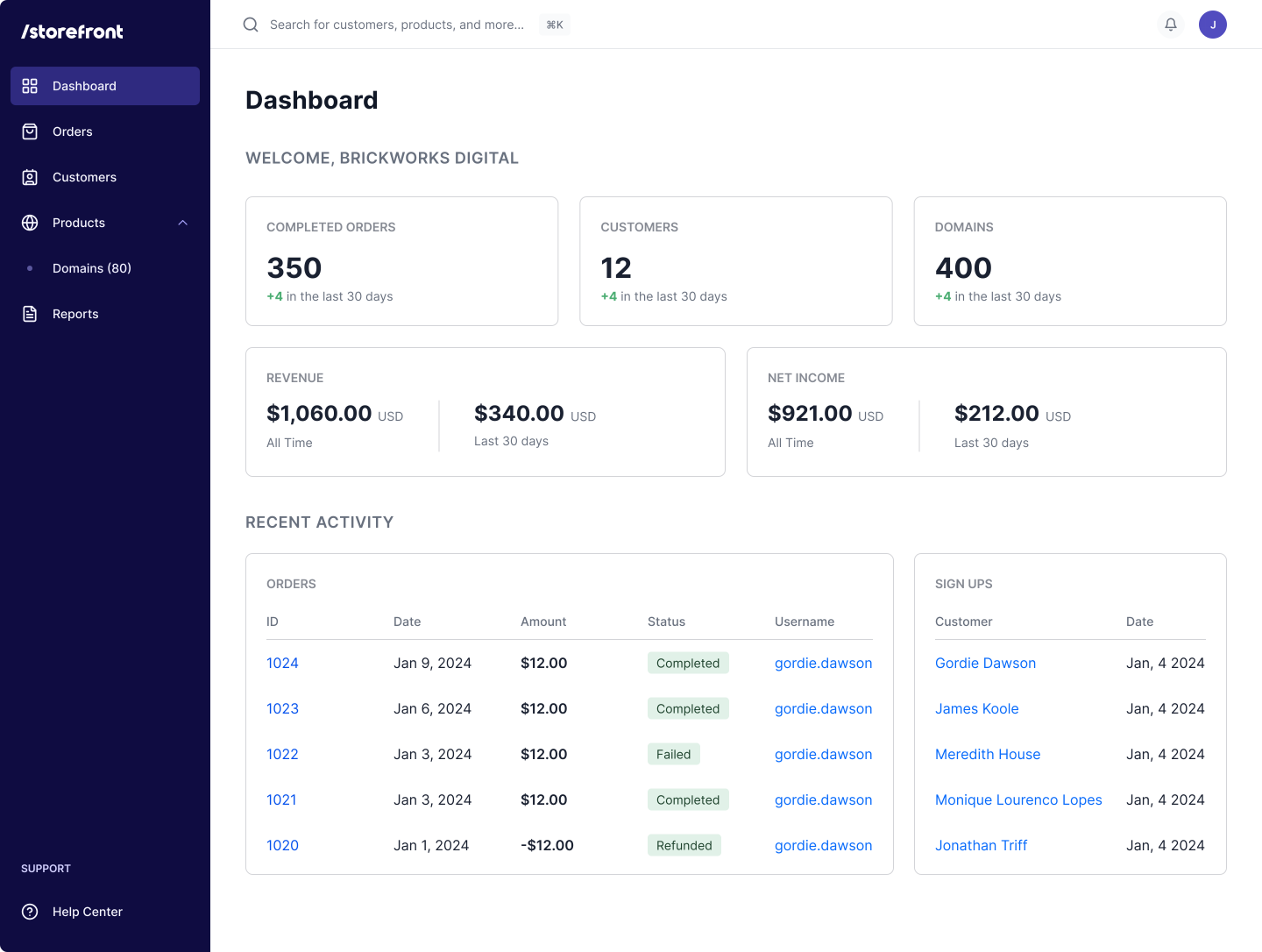
Want to learn more about Storefront’s benefits?

Questions?
Let's connect.

Want to learn more about
Storefront’s benefits?

Fill out the form below to connect with our Sales team.

Fill out the form below to connect with our Sales team.